Veo 3 Video Generator
Creative Description
Image
0/6000
Duration
Ratio
Resolution
'%3e%3crect%20x='12'%20y='8'%20width='512'%20height='512'%20rx='120'%20fill='url(%23paint0_linear_1215_12064)'/%3e%3cpath%20d='M104%20325.365C121.348%20312.094%20140.348%20301.028%20160.565%20292.463C167.897%20289.321%20175.355%20286.561%20182.928%20284.164C192.784%20289.866%20201.885%20296.806%20209.995%20304.832C226.813%20321.55%20238.812%20342.431%20244.744%20365.306C245.004%20366.321%20245.598%20367.222%20246.432%20367.866C247.266%20368.509%20248.292%20368.86%20249.349%20368.86C250.405%20368.86%20251.432%20368.509%20252.266%20367.866C253.1%20367.222%20253.694%20366.321%20253.955%20365.306C259.899%20342.434%20271.9%20321.555%20288.713%20304.832C300.791%20292.881%20315.062%20283.334%20330.756%20276.704C336.897%20274.079%20343.208%20271.97%20349.67%20270.348C350.7%20270.097%20351.616%20269.511%20352.271%20268.682C352.925%20267.854%20353.281%20266.831%20353.281%20265.779C353.281%20264.726%20352.925%20263.704%20352.271%20262.876C351.616%20262.047%20350.7%20261.461%20349.67%20261.21C343.208%20259.598%20336.915%20257.489%20330.756%20254.865C315.061%20248.236%20300.789%20238.687%20288.713%20226.736C271.89%20210.016%20259.888%20189.131%20253.955%20166.252C253.701%20165.23%20253.11%20164.322%20252.276%20163.672C251.441%20163.023%20250.41%20162.67%20249.349%20162.67C248.288%20162.67%20247.257%20163.023%20246.423%20163.672C245.588%20164.322%20244.997%20165.23%20244.744%20166.252C243.119%20172.673%20240.993%20178.915%20238.348%20185.027C231.667%20200.597%20222.042%20214.755%20209.995%20226.736C198.483%20238.132%20185.013%20247.296%20170.283%20253.837C167.024%20252.606%20163.785%20251.304%20160.565%20249.928C140.347%20241.365%20121.347%20230.301%20104%20217.029L104%20143.034C104%2087.6652%20164.068%2053.0591%20212.122%2080.7435L422.96%20202.21C471.014%20229.894%20471.013%20299.105%20422.96%20326.79L212.122%20448.256C164.068%20475.941%20104%20441.335%20104%20385.966L104%20325.365Z'%20fill='%23361767'/%3e%3cpath%20d='M155.058%20275.289C182.924%20275.289%20205.514%20297.563%20205.514%20325.038C205.514%20352.514%20182.924%20374.788%20155.058%20374.788C127.191%20374.788%20104.601%20352.514%20104.601%20325.038C104.601%20297.563%20127.191%20275.289%20155.058%20275.289Z'%20fill='%23361767'/%3e%3cpath%20d='M148.45%20172.194C172.667%20172.194%20192.3%20191.784%20192.3%20215.95C192.3%20240.115%20172.667%20259.705%20148.45%20259.705C124.233%20259.705%20104.601%20240.115%20104.601%20215.95C104.601%20191.784%20124.233%20172.194%20148.45%20172.194Z'%20fill='%23361767'/%3e%3c/g%3e%3cdefs%3e%3cfilter%20id='filter0_d_1215_12064'%20x='0'%20y='0'%20width='536'%20height='536'%20filterUnits='userSpaceOnUse'%20color-interpolation-filters='sRGB'%3e%3cfeFlood%20flood-opacity='0'%20result='BackgroundImageFix'/%3e%3cfeColorMatrix%20in='SourceAlpha'%20type='matrix'%20values='0%200%200%200%200%200%200%200%200%200%200%200%200%200%200%200%200%200%20127%200'%20result='hardAlpha'/%3e%3cfeOffset%20dy='4'/%3e%3cfeGaussianBlur%20stdDeviation='6'/%3e%3cfeComposite%20in2='hardAlpha'%20operator='out'/%3e%3cfeColorMatrix%20type='matrix'%20values='0%200%200%200%200%200%200%200%200%200%200%200%200%200%200%200%200%200%200.25%200'/%3e%3cfeBlend%20mode='normal'%20in2='BackgroundImageFix'%20result='effect1_dropShadow_1215_12064'/%3e%3cfeBlend%20mode='normal'%20in='SourceGraphic'%20in2='effect1_dropShadow_1215_12064'%20result='shape'/%3e%3c/filter%3e%3clinearGradient%20id='paint0_linear_1215_12064'%20x1='24'%20y1='-8.83546e-06'%20x2='550'%20y2='540'%20gradientUnits='userSpaceOnUse'%3e%3cstop%20stop-color='%23FF7EDD'/%3e%3cstop%20offset='0.526842'%20stop-color='%23CD6AFF'/%3e%3cstop%20offset='1'%20stop-color='%234F30D6'/%3e%3c/linearGradient%3e%3c/defs%3e%3c/svg%3e) VORA
VORA Veo 3 AI Video Generator in Vora allows you to create high-quality 720p videos with synchronized audio from simple text prompts or images – all without watermarks. Powered by advanced physics simulation and intelligent lighting calculations, it produces videos with more realistic motion, materials, and scene dynamics, bringing visuals closer to cinematic quality. With no professional editing skills required, you can quickly turn ideas into engaging visual stories ready to share or publish.
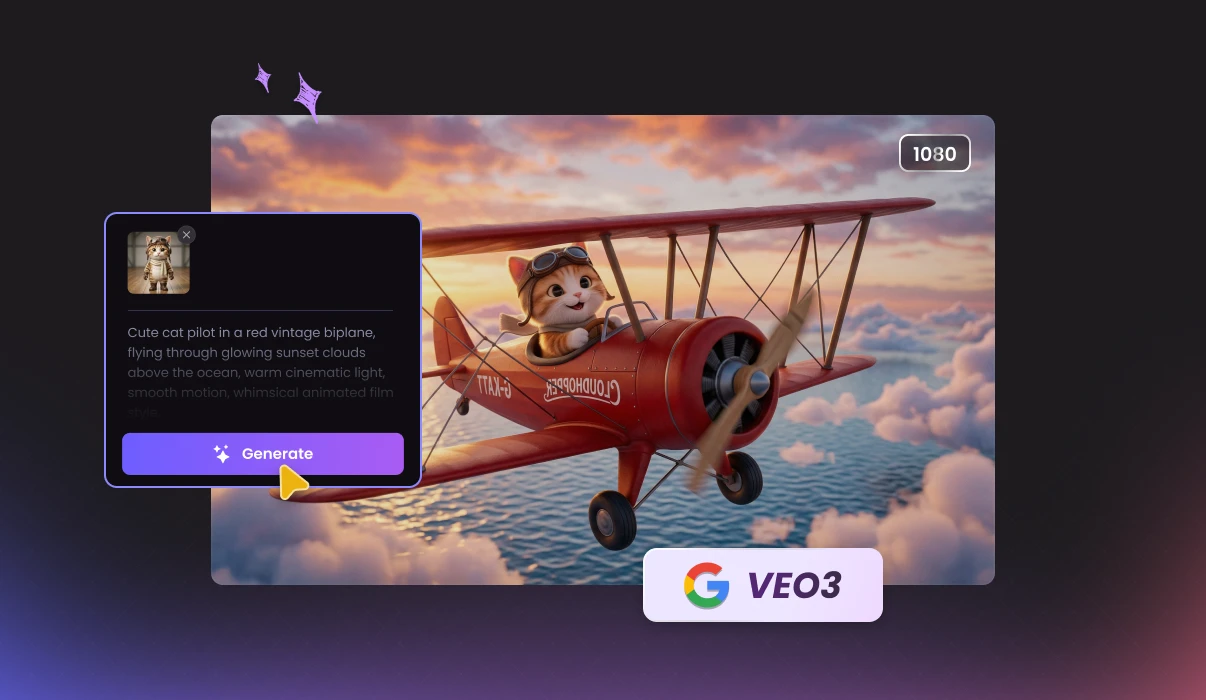
With our Veo 3 AI video generator, you can convert text and images into high-definition videos with synchronized audio, cinematic visuals, and watermark-free exports in just minutes. Whether for content creation, marketing, or storytelling, Vora simplifies production without compromising quality.
Create high-quality videos from text prompts or images with precise control over motion, pacing, and scene continuity.
AI Veo3
video generator
Enjoy natural motion, realistic lighting, and smooth transitions. Videos appear polished and lifelike, reducing the typical AI-generated look and achieving cinematic-style results.
The Veo 3 AI video generator interprets complex prompts, including atmosphere, transitions, and character actions, and automatically generates coherent video clips.
Enter a prompt and create videos in minutes, accelerating your production and reducing costs compared with traditional workflows.
Generate complete videos with built-in synchronized voiceovers, ambient sound, and effects, delivering immersive content without separate audio production or post-editing workflows.
Produce videos directly with the Google Veo 3 model, completely free from watermarks, ensuring a clear, professional look ready to share or use in any project.
Create realistic environments, scenes, and motion effortlessly with Vora AI Video Generator powered by Google Veo 3. No cameras, actors, or locations are required — just enter your prompt and let AI generate a polished video that closely resembles professionally filmed footage.
The Veo 3 AI video generator automatically generates native audio content that aligns with each scene. Dialogue timing, background atmosphere, and sound details are synchronized with visual motion, creating a cohesive viewing experience. This makes videos more immersive and professional without the need for external editing.
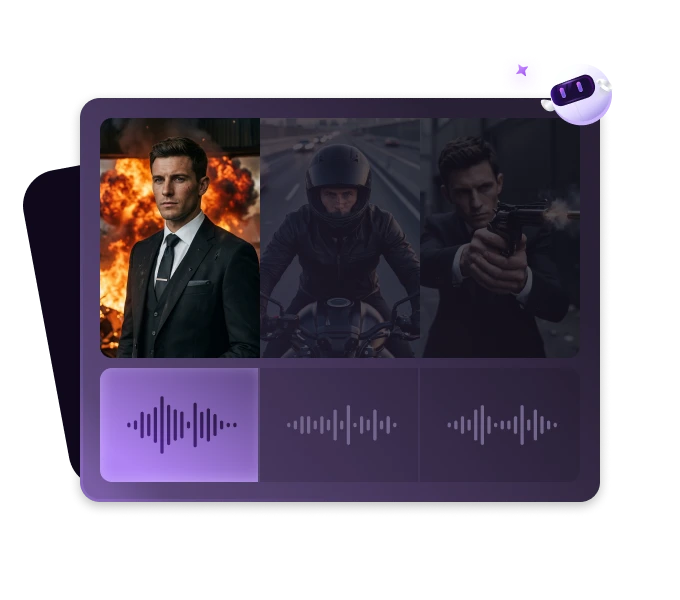
Veo 3 interprets detailed text prompts with strong contextual awareness, understanding style, mood, environment, and cinematic direction. It translates creative instructions into accurate visual outputs. This advanced prompt comprehension allows creators to achieve precise results while keeping the creation process simple and intuitive.
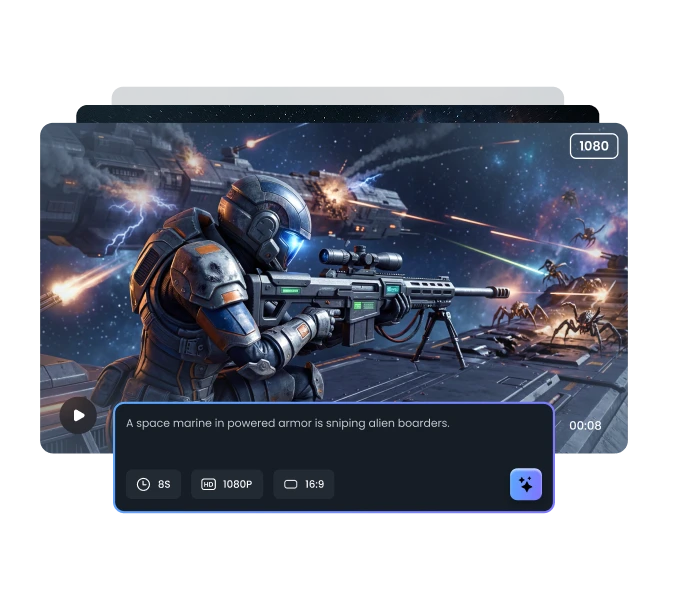
Powered by advanced video modeling, our Veo 3 video generator produces polished short videos that closely resemble professionally filmed footage. Camera transitions, subject movement, and lighting behavior are rendered with cinematic consistency, helping videos appear realistic and engaging.
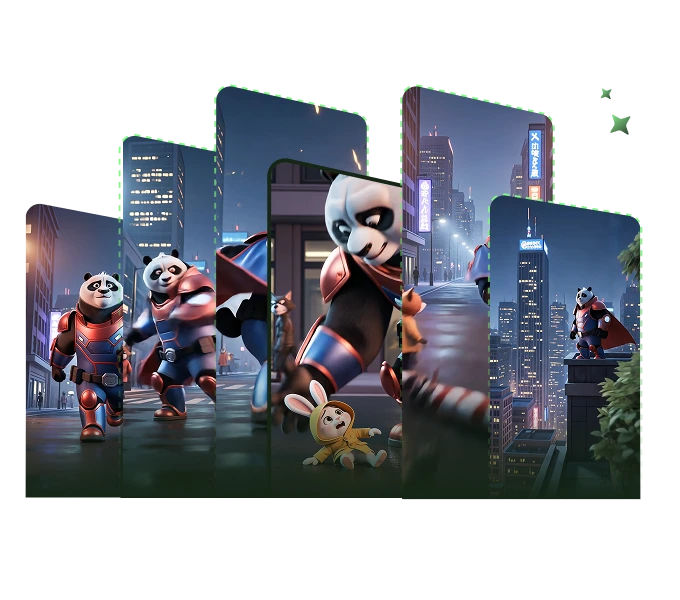
Designed with an intuitive interface, our Veo 3 AI video creator enables users of all skill levels to handle. Follow the three simple steps below to convert your text or image into a polished, cinematic video.
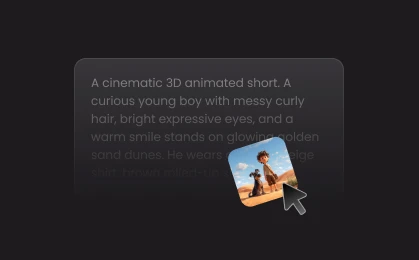
Enter a detailed prompt describing your video, including characters, setting, actions, and style. Specify special effects, mood, or artistic elements. You can also upload a reference image.
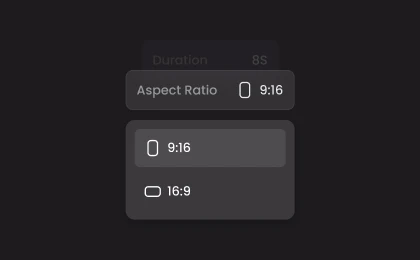
Select the aspect ratio that best fits your project – choose "16:9" for landscape or "9:16" for portrait. Then, choose a duration and resolution for your AI video.
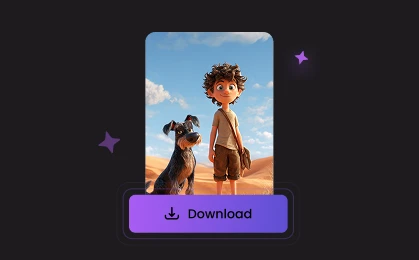
Click "Generate" to turn your ideas into a real video. Process takes approximately 3–5 minutes. Once complete, you can preview and export the final video to MP4.
Unlock creative possibilities with our Veo 3 video maker—from social media and marketing to education and storytelling.
Produce High-Quality Short Videos
Explore Multiple Creative Styles
Create Marketing & Promotional Visuals
Create Educational & Explainer Videos
Visualize Stories and Concepts
Generate ready-to-use short videos in minutes. The Veo 3 video generator enables creators to move from concept to video quickly while maintaining realistic visuals and smooth motion. Perfect for fast content production.
Explore more AI video solutions and unlock powerful tools for video creation, enhancement, and inspiration with Vora.

4.5
TrustScore

95%
User Satisfaction

10M+
Users Worldwide
 Rated 5
Vora's Veo 3 AI video generator stands out for its smooth visuals and immersive audio. The results look polished right away, which saves me time when creating marketing content for social media campaigns.
Emily Rodriguez
Rated 5
What impressed me most is how accurately it understands prompts. Even detailed descriptions translate into coherent scenes and natural motion. It feels less like generating clips and more like directing a short cinematic production.
Daniel Kim
Rated 5
Vora’s Veo 3 generator helps me visualize storytelling ideas quickly. I use it for concept testing before full production, and it consistently produces creative results that inspire new directions for my projects.
Sophia Bennett
Rated 5
Fast video creation with Vora Veo 3. I can experiment with multiple styles and regenerate videos easily until I find the perfect look. It’s become an essential tool in my daily content workflow.
James Walker
Rated 5
I love how cinematic the videos feel even from simple prompts. Lighting, motion, and atmosphere come together naturally. This Veo 3 generator makes professional-looking video creation accessible without needing advanced editing skills.
Olivia Martinez
Rated 5
The synchronized narration and ambient sound make a big difference. Videos feel complete right after generation, which reduces post-production work significantly. Vora helps me create engaging visuals much faster than traditional tools.
Ethan Thompson
Rated 5
As a content creator, Veo 3 gives me freedom to experiment creatively. I can quickly transform ideas into visual stories and iterate without technical barriers. Vora makes the whole process intuitive and enjoyable.
Chloe Anderson
 Rated 2
Veo 3 delivers impressive cinematic results and is very easy to use. Occasionally I need a few regenerations to match my exact vision, but overall it’s a powerful tool for rapid video prototyping and creative exploration.
Ryan Patel
Rated 2
The video quality and motion realism are excellent for AI-generated content. I’d like longer video creations, but Veo 3 in Vora already makes producing short videos much faster than traditional editing workflows.
Hannah Fischer

Transform your ideas into stunning videos with Veo 3! Instantly create HD, watermark-free videos with realistic visuals and perfectly synchronized audio. Try Veo 3 AI video generator for free and bring your vision to life in minutes!
Create with Veo 3 NowCreate unique background music for your videos

Veo 3 in Vora makes video creation incredibly simple. I can turn short prompts into cinematic clips within minutes, and the motion quality feels surprisingly realistic. Perfect for testing my creative ideas!
Michael Carter