Sports Announcer AI Voice Generator Online Free
Unleash the power of your voice with our Sports Announcer Voice Generator, supporting TTS in 59+ languages. Download high-quality audio from the cloud and engage your audience with authentic content.
AI Voice GeneratorHistory
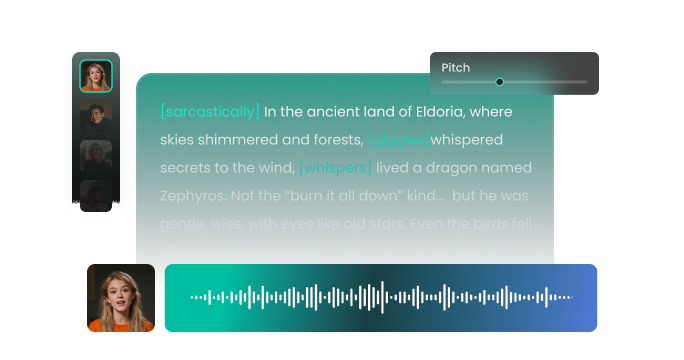
AI Voice

- Voice Name
- 0 Used
Model
 FineVoice TTS Max
Explore Lifelike Sports Announcer AI Voices
Want to transform any text into lifelike Sports Announcer voices? Try our xxx AI voice generator. With an extensive library of 2000+ unique sounds and support for over 154 languages, FineVoice is the perfect tool for creating captivating narrations and engaging audio content for your projects. Ignite your imagination and let FineVoice be the voice of your creativity!
Ethan Bright
A medium-deep baritone with a warm, resonant quality. Speaking speed is medium, smooth, and deliberate. The tone is uplifting, sincere, and reassuring.
Lucas Bennett
A mid-range tenor with warm resonance. Speaking speed is medium, slightly dynamic with subtle inflections for engagement. The tone is professional yet friendly, encouraging listener trust and attention.
Dr. Helena Cross
A clear mezzo-soprano with firm, precise articulation. Speaking speed is medium, deliberate, with emphasis on key terminology. The tone is confident, professional, and objective.
Richard Steele
A deep baritone with strong resonance and precise articulation. Speaking speed is medium, with deliberate pauses to emphasize authority. The tone is commanding, confident, and persuasive.
How to Convert Text to Speech Using Sports Announcer AI Voice
With FineVoice Sports Announcer Text to Speech Generator, you can convert any written text into expressive, high-quality speech in just 3 simple steps.
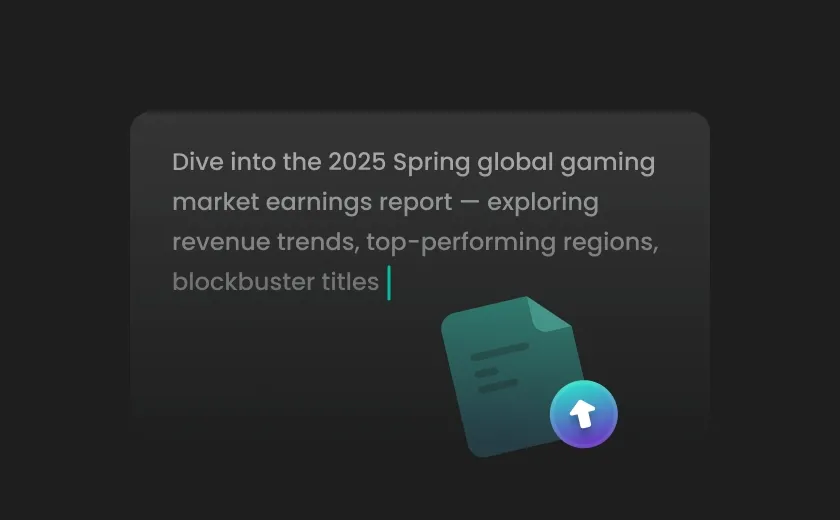
Step 1. Input Your Text
Enter your text into the box. You can also click "Import Script" to add a .txt, .docx, or .srt file.
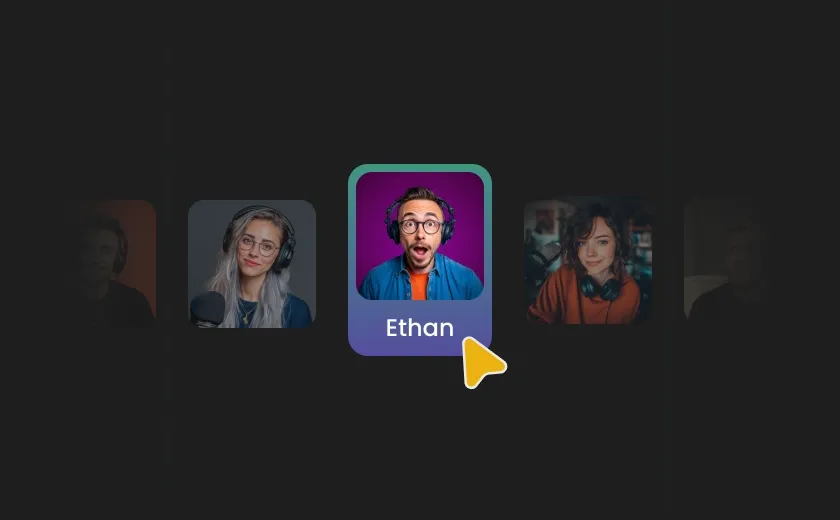
Step 2. Adjust Voice Settings
Find and select the needed AI voice from the library. You can also change the TTS model, pitch, speed, or other advanced settings.
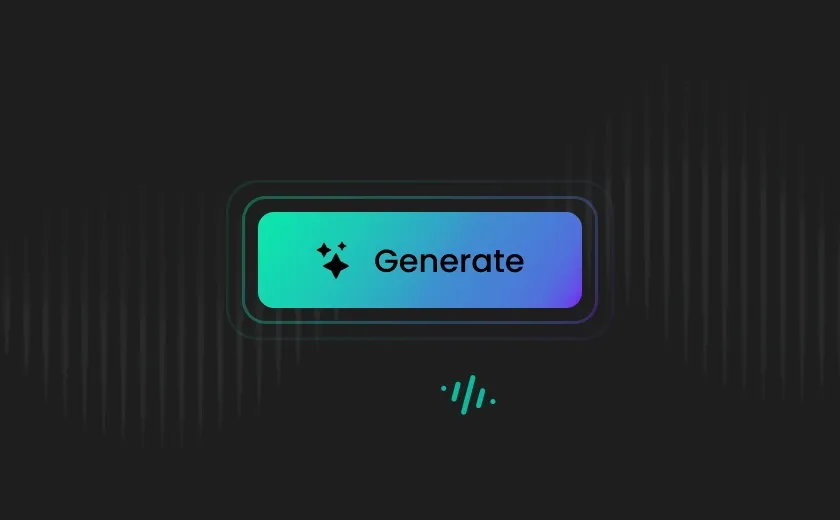
Step 3. Generate Sports Announcer Speech
Click "Generate" to instantly convert your text to speech with FineVoice's realistic Sports Announcer voice.
Elevate Your Content Creation with Sports Announcer Text to Speech
Designed to make your content more engaging, accessible, and professional, our AI Sports Announcer voice generator effortlessly brings your content to life. Experience natural, expressive voices and seamless conversion with FineVoice Sports Announcer TTS tool.
Ultra-Realistic, Natural Sports Announcer Voices
Experience lifelike, natural, and emotive voice output powered by FineVoice Sports Announcer TTS's cutting-edge AI—say goodbye to mechanical voices and bring your content to life. Break language barriers with support for 154 languages and accents, and enjoy precise pronunciation control for complex elements like currency, phone numbers, dates, characters, cardinals, units, and more.
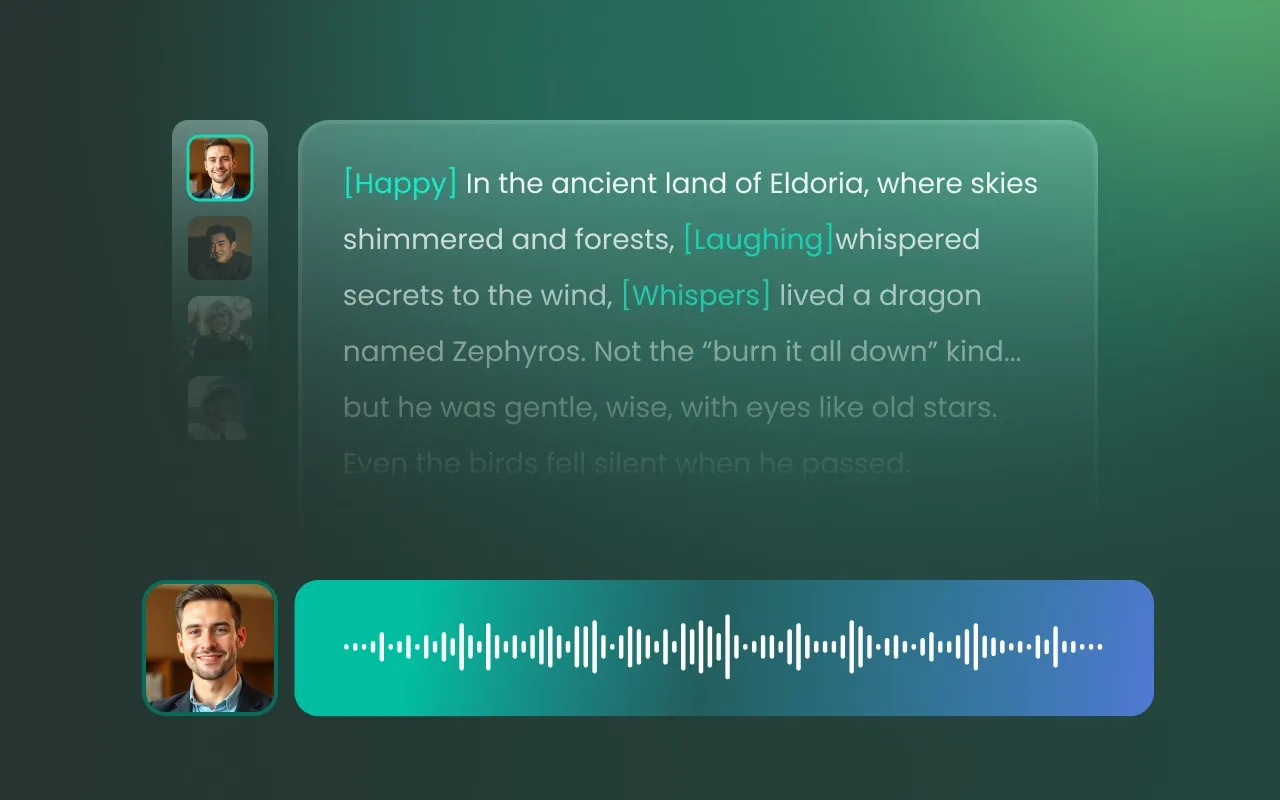
Flexible Voice Output Settings
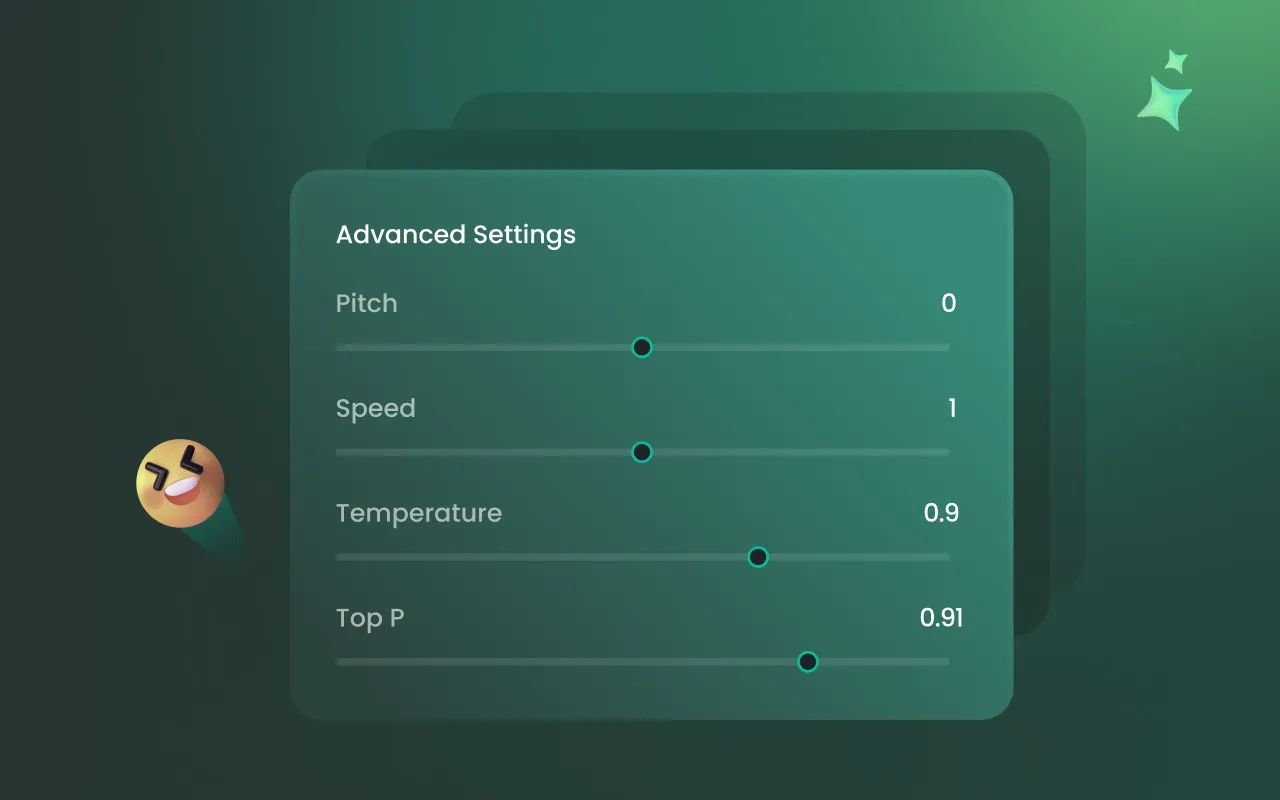
Personalize your Sports Announcer voice output with adjustable features like pitch, speed, and pauses at crucial moments. Fine-tune every detail of your Sports Announcer text-to-speech voice to perfectly match your creative vision, ensuring that your audio content is both expressive and tailored to your specific needs.
Efficient, Accessible, and Intelligent Workflow
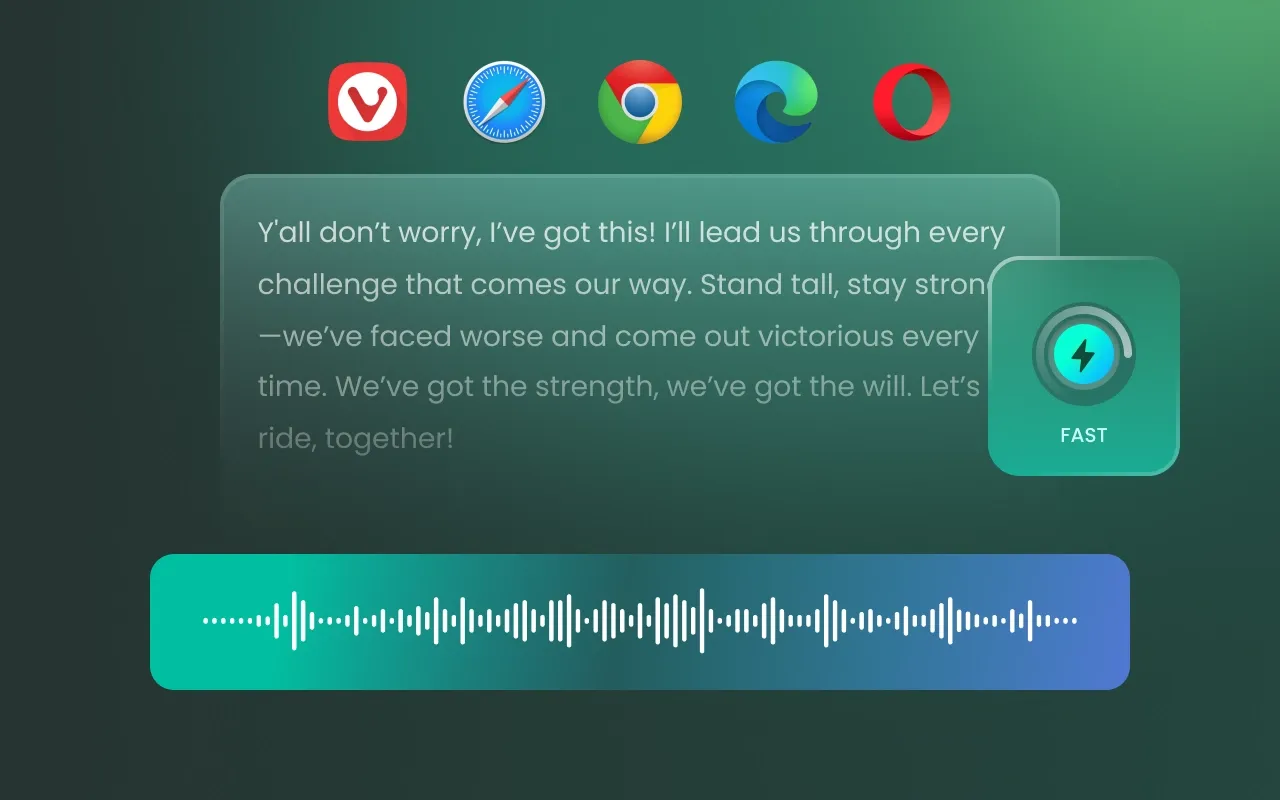
Enjoy hassle-free audio creation with no installation required—access your files from any device thanks to cross-platform compatibility. The Sports Announcer AI voice generator simplifies your workflow by automating audio production, saving valuable time and reducing costs while delivering high-quality results wherever you are.
Unlock Versatile Uses with Sports Announcer Voice Generator
FineVoice Sports Announcer text-to-speech voice generator fulfills a wide range of everyday needs—from education and entertainment to productivity and accessibility—all in one powerful tool.
Use Case 1: Virtual Reality
Use Case 2: Video Games
Use Case 3: Sports Videos
Use Case 4: Coaching Apps
Use Case 5: Sports Stadium
Use Case 1: Virtual Reality
Enhance virtual reality sports experiences with the AI sports announcer voice generator. It provides immersive commentary and ambient sound effects, allowing users to explore virtual sports environments without going out.
More Than an AI Sports Announcer Voice Generator
Besides Sports Announcer Text to Speech, FineVoice lets you generate high-quality, lifelike audio with other AI voices.








What Our Users Say
See what people are saying about our AI Sports Announcer Voice Generator.

4.5
TrustScore

95%
User Satisfaction

10M+
Users Worldwide
 Rated: 5
The real win here is the 'Clutch Moment' inflection. Unlike generic TTS, this generator understands how to build tension toward the end of a sentence—essential for a buzzer-beater call. The phonetic accuracy with player names is also top-tier, which is usually a dealbreaker in sports tech.
Sarah 'AI-First' Jenkins
Rated: 5
I integrated the AI announcer into a live-streamed tournament for my Discord community. The 'Veteran Play-by-Play' voice has a deep baritone that cuts through game audio beautifully. The low-latency processing meant the commentary felt synced to the action, giving my indie stream a massive production boost.
Leo 'Circuit' Wu
Rated: 5
If you want to turn a 15-second clip into a viral highlight, you need a high-energy voiceover. I used the 'Dynamic Analyst' model for an NBA reel, and the enthusiasm was infectious. FineVoice makes it easy to add that 'ESPN vibe' to any raw footage with just a few clicks.
Chloe Digital
Rated: 5
What I love is the 'Sideline Storyteller' preset. It has a slightly more relaxed, conversational tone that’s perfect for pre-game analysis or documentary-style sports videos. The UI is incredibly intuitive—you just drop your script, choose a sport-specific persona, and export broadcast-quality audio.
Digital Dan
Rated: 5
Technically, the 48kHz output is crisp enough for any professional DAW. I analyzed the 'Stadium' effect filter you can apply—it perfectly replicates the acoustic echo of a large arena. It’s the closest thing to having a real Al Michaels or Derek Rae in your home studio.
Marcus Stone
Rated: 5
Most AI voices struggle with the 'shouting' needed for a goal call, but this generator handles high-intensity peaks without digital distortion. Being able to export clean WAV files and drop them into Premiere Pro for a match recap is a lifesaver for my content schedule.
Elena Pixel
Rated: 5
FineVoice has nailed the 'Prosody of Passion.' Their sports models understand that cadence is more important than just words in a broadcast. Whether it's the rapid-fire delivery of a horse race or the measured tone of a golf match, this tool captures the soul of the sport.
Dr. Aris Thorne
FAQs About FineVoice AI Sports Announcer Voice Generator
 FineVoice
Get Started with Sports Announcer Text to Speech Now
Experience the power of Sports Announcer Text to Speech—start transforming your words into lifelike voices today!
Start for Free
I used the 'Derek Rae' model for a FIFA gameplay recap, and it’s frighteningly realistic. It captures that authoritative Scottish lilt and the mid-match excitement spikes perfectly. For creators doing sports highlights, this saves hours of manual recording while keeping that professional broadcast energy.
Alex Tech-Vibe